Quick Start
Install DryRun Security on GitHub or GitLab and start scanning pull requests in minutes.
Getting Started
DryRun Security is an AI-native application security platform that reviews every pull request for vulnerabilities in real time. This guide helps you install DryRun Security on GitHub or GitLab, run your first scan, and configure the platform to match your workflow.
Deployment Rollout Best Practices
Follow these steps to get the most out of DryRun Security:
| Step | Action | Description |
|---|---|---|
| 1 | Install DryRun Security | Connect your repositories on GitHub or GitLab so every pull request is automatically reviewed. |
| 2 | DeepScan | Run a full-repository scan to establish your baseline security posture. |
| 3 | Review findings in the Risk Register | Examine and prioritize vulnerabilities surfaced across your repositories. |
| 4 | Triage false positives as needed | Suppress findings that are not applicable so future scans stay focused on real risks. |
| 5 | Configure context | Provide repository-level context so DryRun Security's analysis is tailored to your codebase. |
| 6 | Create Custom Code Policies | Define organization-specific security rules written in plain English. |
| 7 | Configure integrations and notifications | Route alerts to Slack, webhooks, or other channels your team already uses. |
| 8 | Enforcement | Configure blocking rules to prevent PRs from merging when findings exceed your defined severity or policy thresholds. |
| 9 | Unlock the power of Code Security Intelligence | Query the intelligence index to track features, trends, and risks across your organization. |
Supported Platforms
| Platform | Supported Versions | Setup Guide |
|---|---|---|
| GitHub | GitHub.com (Cloud) | GitHub Installation |
| GitLab | GitLab.com (Cloud) | GitLab Installation |
GitHub Installation
Authorize and Install the DryRun Security GitHub Application
-
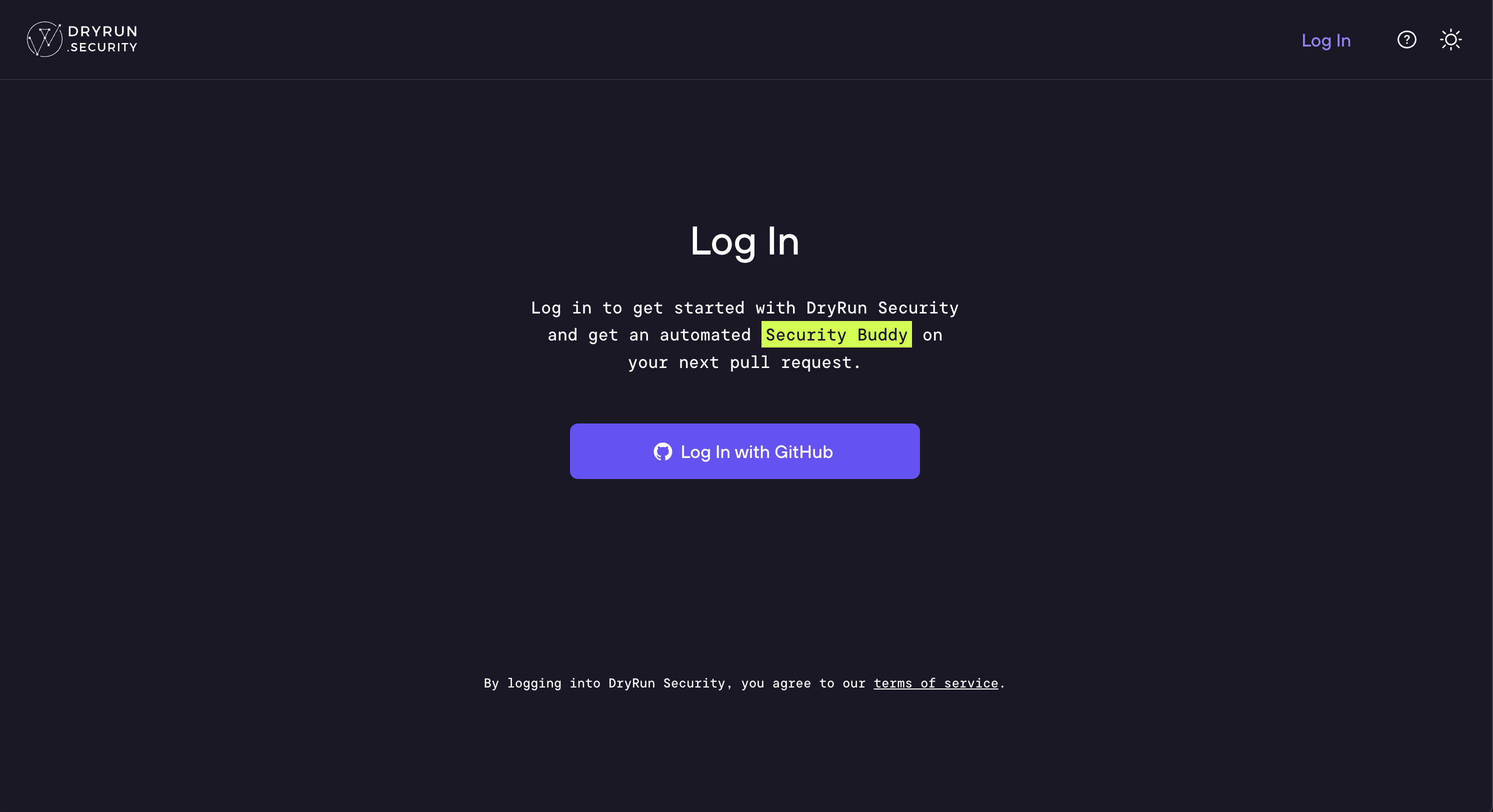
Navigate to https://app.dryrun.security and click the Log in with GitHub button.
-
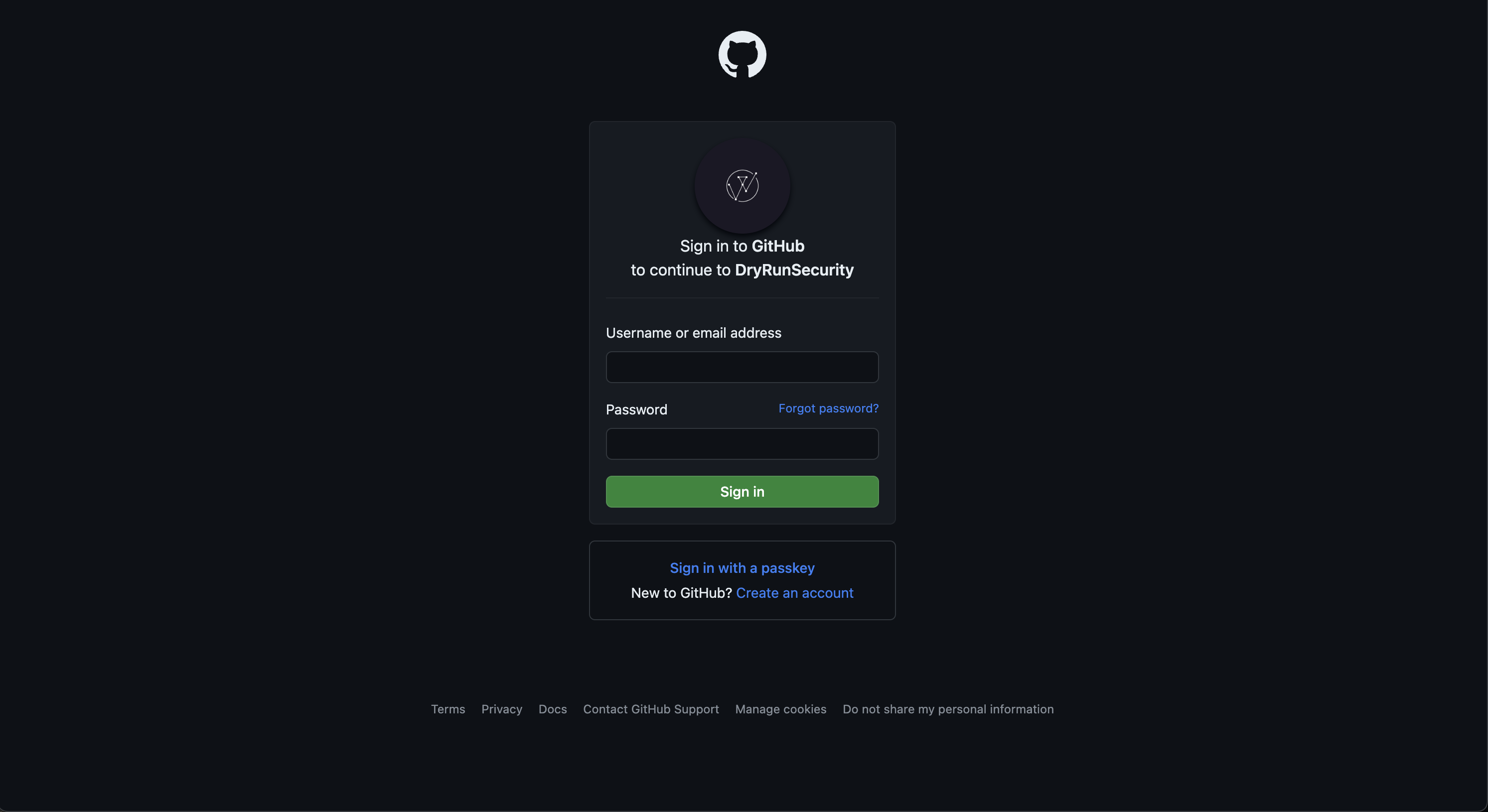
Log in to the GitHub account where DryRun Security will be installed.
-
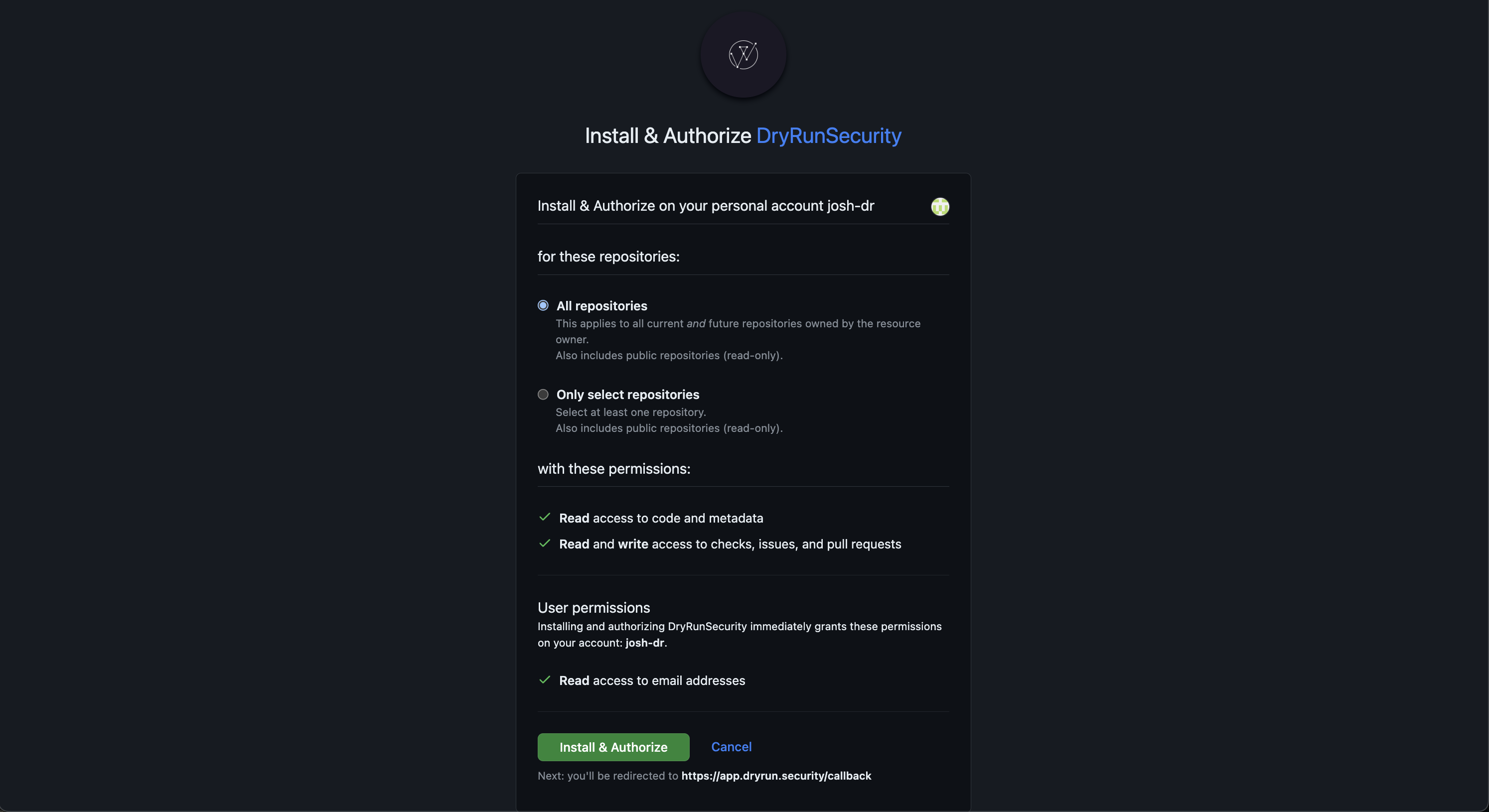
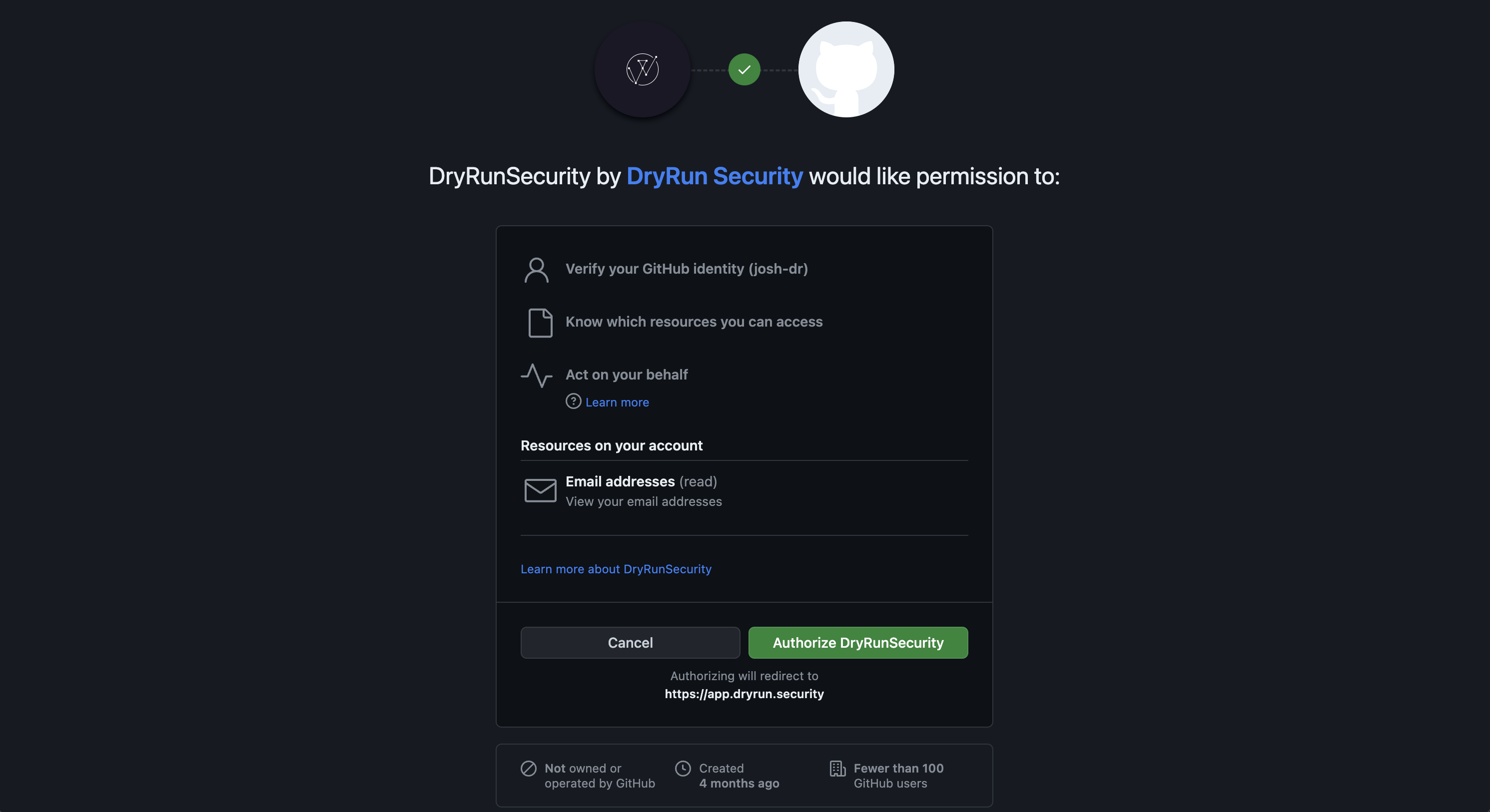
Authorize the DryRun Security GitHub Application by clicking the Authorize DryRunSecurity button.
Note: This is a standard authorization screen for all applications in GitHub.
-
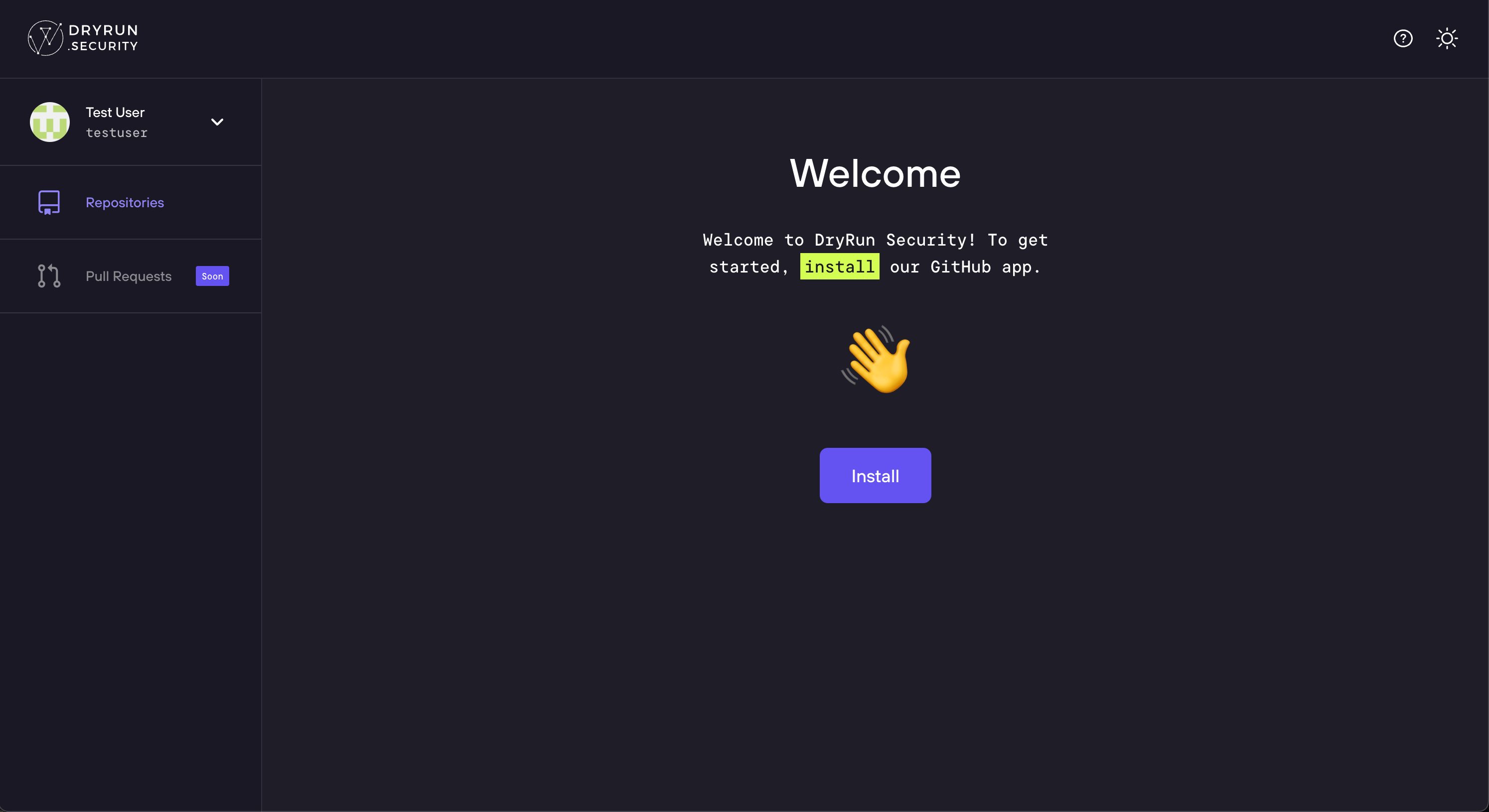
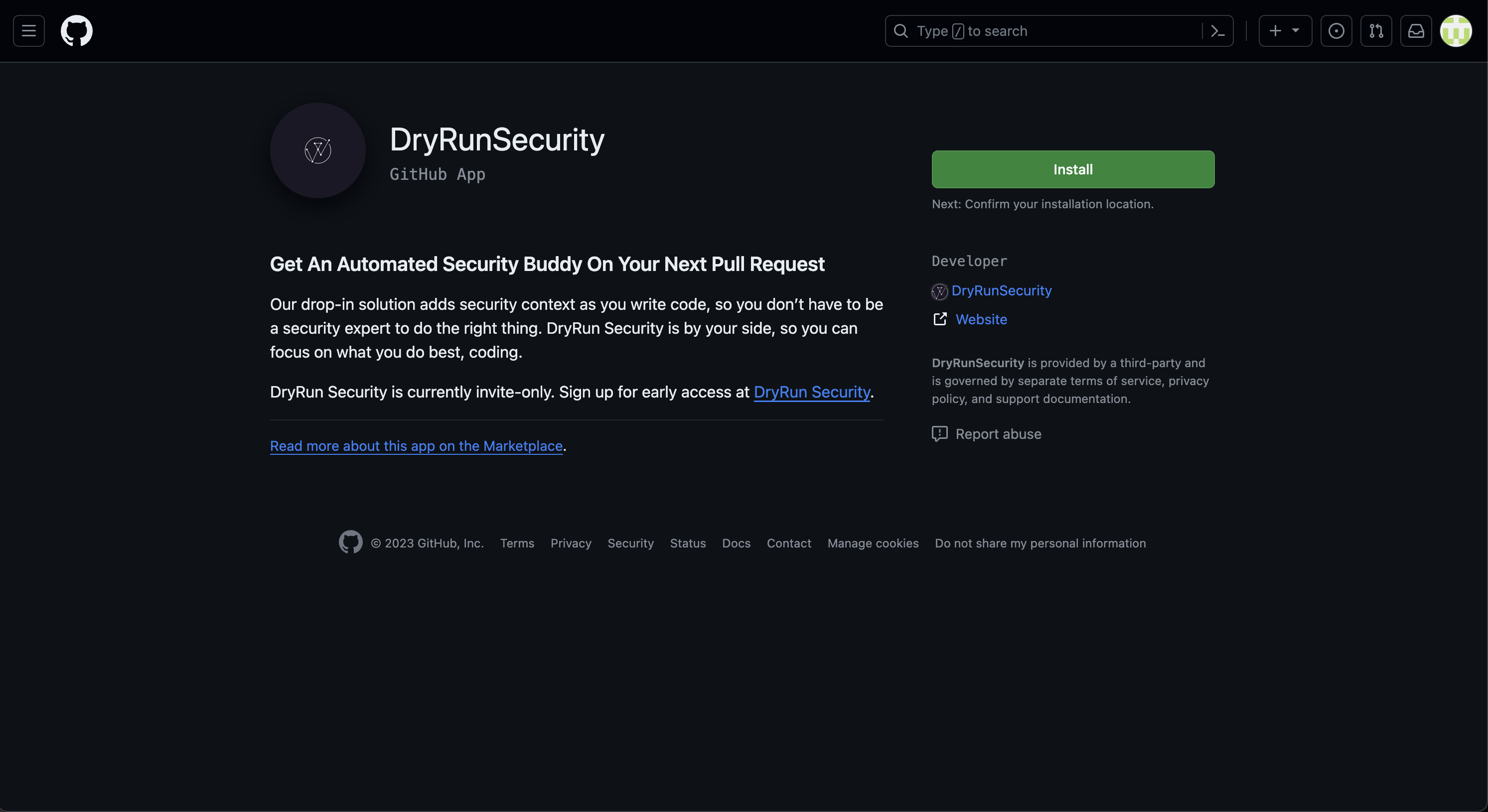
You'll be redirected to the DryRun Security portal. Click the Install button.
-
Click the Install button on the DryRunSecurity GitHub Application page.
-
Choose the GitHub repositories DryRun Security will run by selecting All Repositories or Only selected repositories.
-
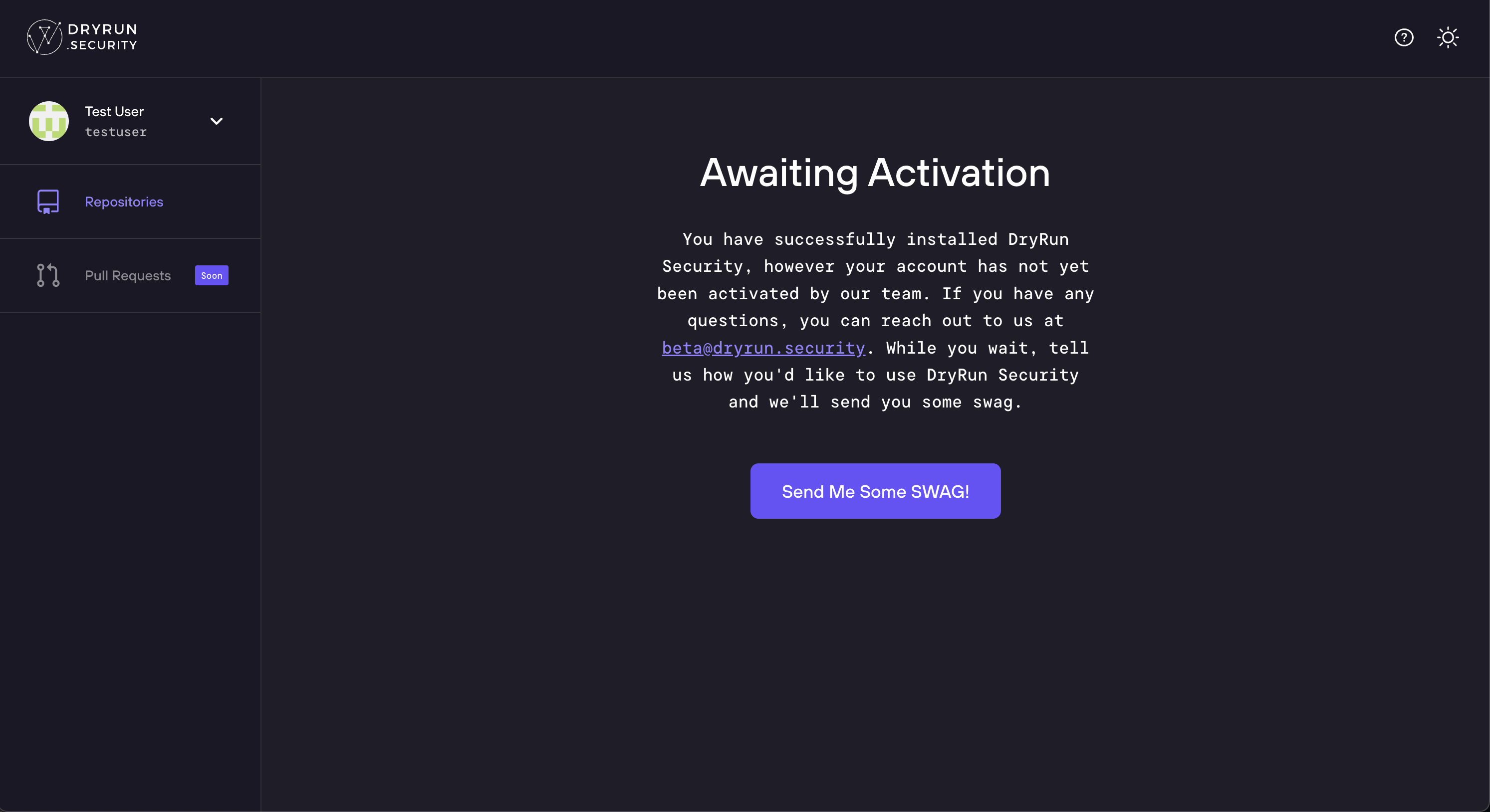
After step one your installation may be paused for up to 2 business days as we activate your account.
-
Once your account has been activated, you'll see the Installation Complete message the next time you visit https://app.dryrun.security.
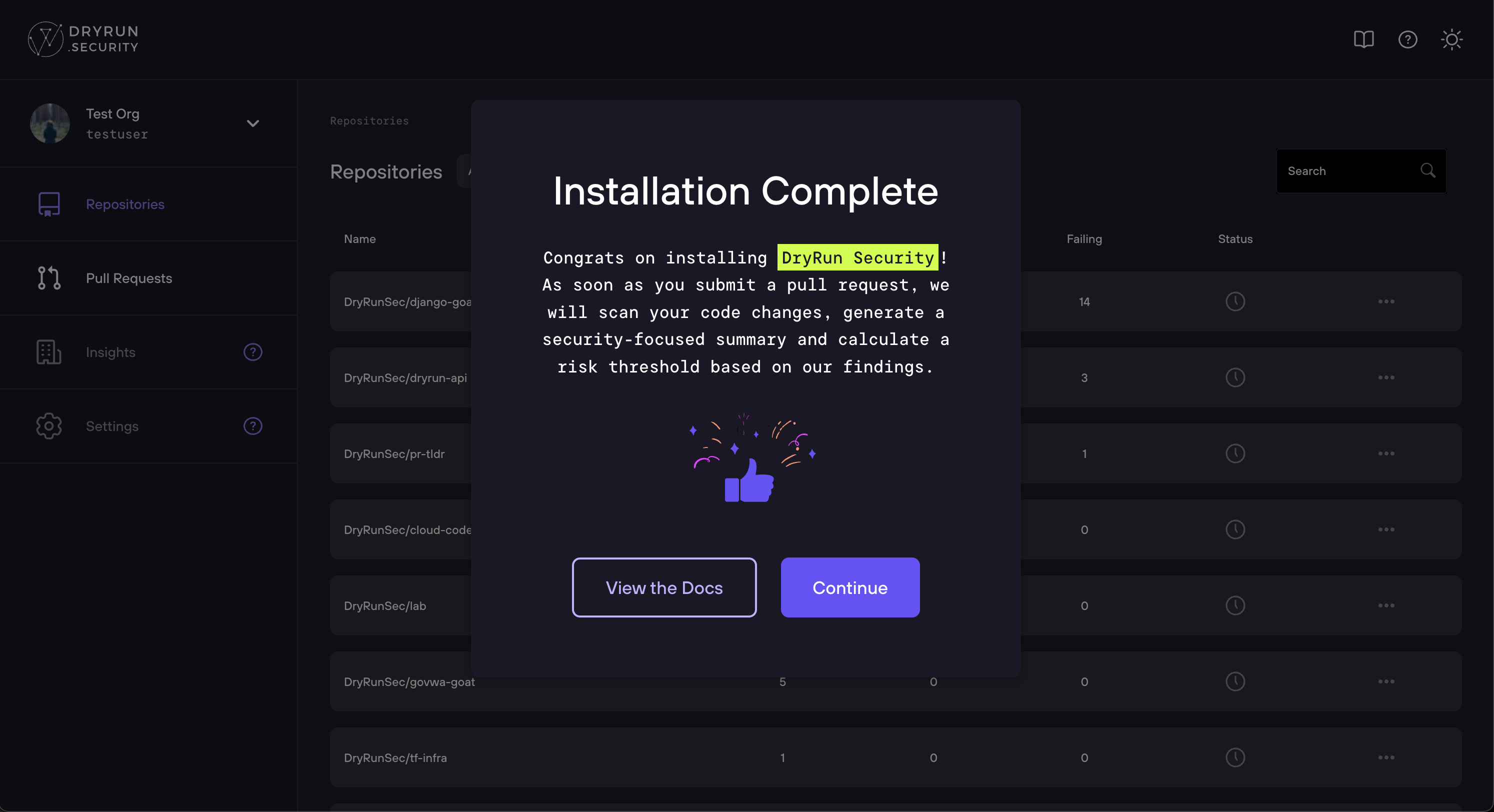
Congratulations! Installation is complete. At this point DryRun Security will run checks on your repository as code is committed to Pull Requests.
GitLab Installation
DryRun Security for GitLab.com enables fast, contextual code reviews that help your team spot unknown risks before they start.
This guide will walk you through connecting your GitLab environment to DryRun Security by:
- Creating a GitLab Group Access Token with the correct scopes.
- Installing DryRun Security via the DryRun Security Dashboard.
Once installed and activated, you'll get immediate visibility into security risks across your GitLab projects, without slowing development down.
Create a Group Access Token
This section describes creating a Group Access Token that will be used during the installation of DryRun Security.
Generating the Group Access Token
- Log in to gitlab.com.
- Navigate to the Group where DryRun Security will be installed.
- Go to Settings > Access Tokens.
- Click Add new token.
- Add a token name, set the role to at least Maintainer, and select the
apiscope. - Click Create group access token.
- Copy the token and save it for later use.
Done! The Group Access Token can be used to install DryRun Security.
Install DryRun Security via the Dashboard
- Navigate to https://app.dryrun.security and click the Log in with GitLab button.
- Authorize the DryRun Security OAuth Application.
Important: Choose the User or Group where DryRun Security will run from the User/Group Selector. This is usually a Group.
- Click the Add Token button or navigate to Settings > GitLab.
- Enter the Group Access Token created earlier and click Save Token.
- Verify the User/Group for the Installation and click Confirm to confirm API access.
- Install on Projects by clicking + next to the Project and then click Save Projects.
Activation
Your installation may be paused for up to 2 business days as we activate your account. We'll notify you as soon as your account has been activated.
Once your account has been activated, you'll see the Installation Complete message the next time you log in to the portal at https://app.dryrun.security.
Congratulations! Installation is complete.
Note: At this point the DryRun Security application will run and analyze changes as code is committed to the Project(s).
References
- PR Code Reviews - understand how DryRun Security analyzes your pull requests.
- Configurations - customize which agents and policies run on each repository.
- Custom Code Policies - create custom security rules in plain English.